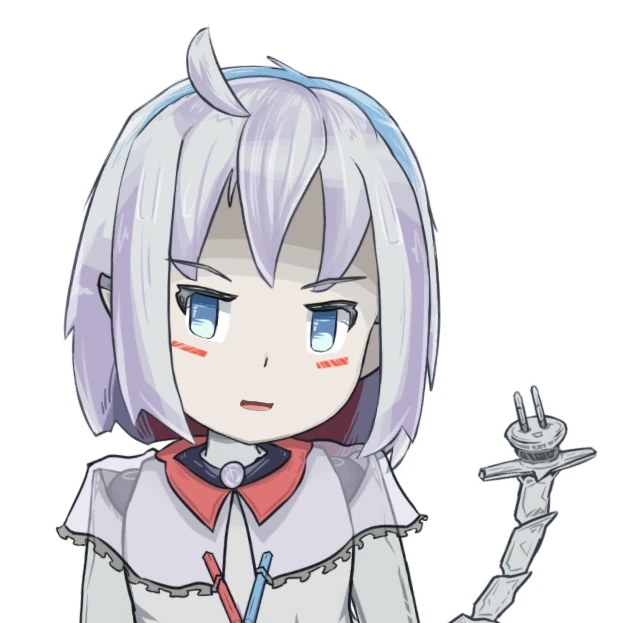
The section below is not built for mobile and cursor-less device! Sorry~!

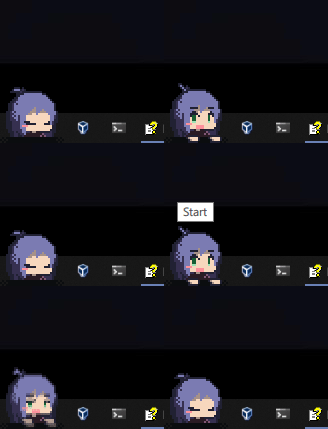
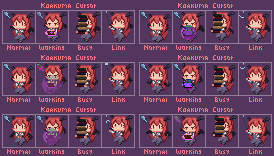

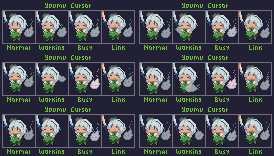

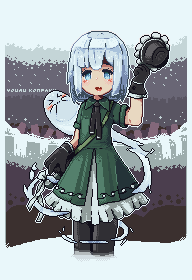
Resizing minorly breaks Rumia mechanism.
She simply doesn't respect the height limit!
File Repository
Welcome to the archive~! All things listed in here are free for PERSONAL use, unless stated otherwise. If there's any broken link, please contact me so I can fix it as soon as possible.
Files are served on Github by default. Bigger stuff (more than 10mb) will be served externally. Archived file has instruction attached to help you out. Otherwise you're on your own :3
CSS Hack Bundle
These are a collection of CSS hacks.. collection!
Most of the header link will redirect you to the Gist page, which will always point to the latest version. We can't embed it since it requires script and prefer updating it there for modularity.
Discord Tweaks (gist)
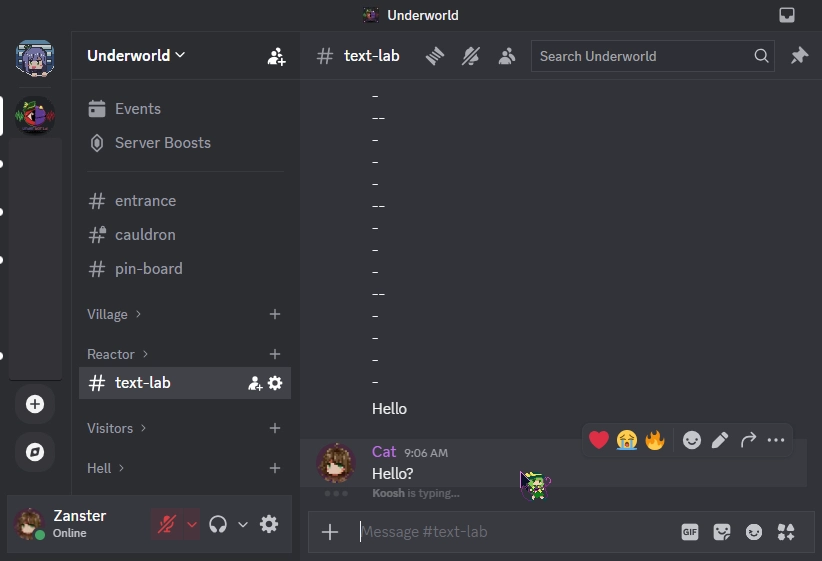
A collection of small CSS tweaks for Discord. This requires browser with CSS injection extension or 3rd party client.
It's personalized for my liking, so modify and remove feature by editing it yourself!
Overview:
- Remove user customization. i.e. custom font and nameplate background.
- Remove border curve in most element.
- Remove unnecessary buttons like help (press F1), gift, discover, and add app.
- Shrink chat bar to eat less space.
- Change "DM" button icon into Illith! Go to @shshaw codepen to make your own svg.
- Other visual changes.
Youtube CSS (gist)
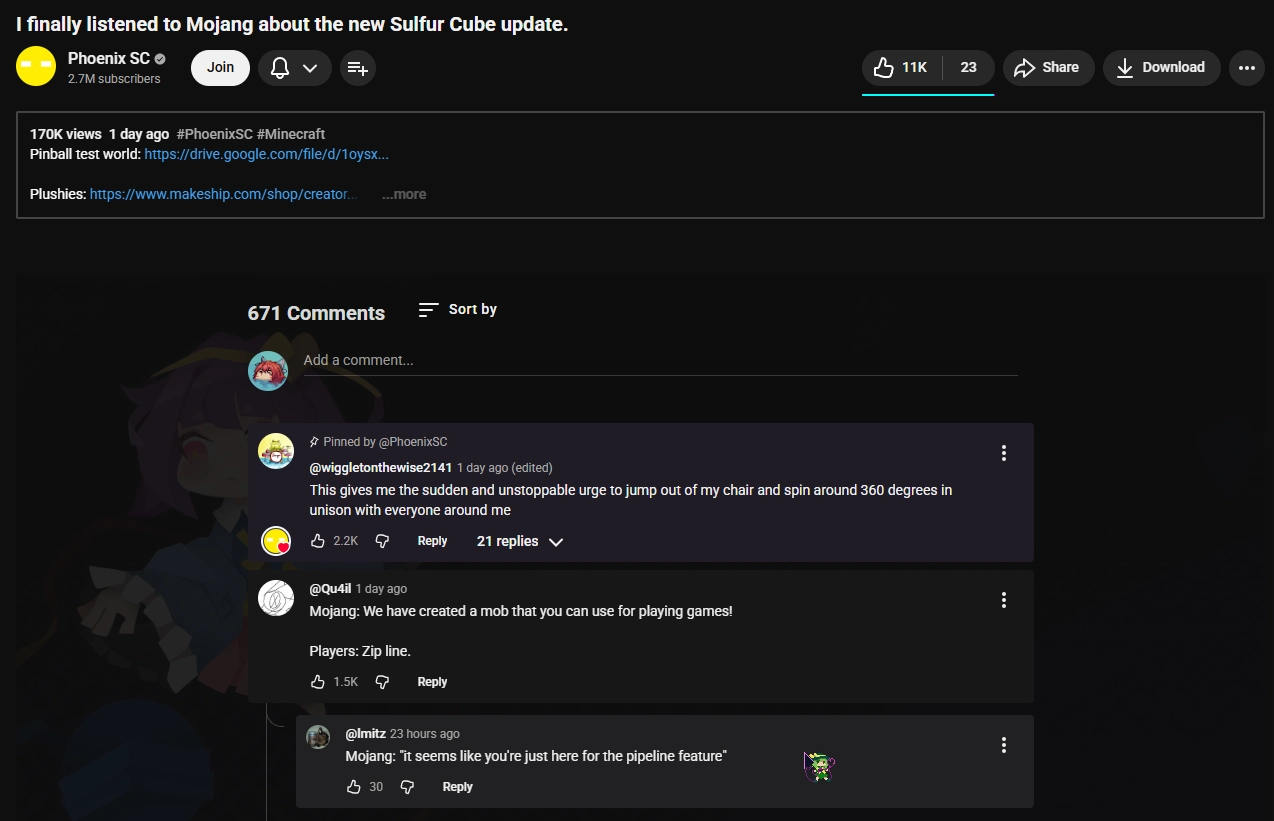
Mostly tweaks for description and comment view. Designed for dark theme but light theme has preset color in the css file. Use CSS inject extension or YouTube Enhancer (not sponsored) to use.
The background (and associated comment color) is disabled by default as it uses Steam for the wallpaper.
This also remove voice search button, just because.
Old Reddit CSS (gist)
A three in one hacks for old Reddit. It meant to be used with Reddit Enhancement Suite (RES) extension.

Hide spoiler by prefixing [SPOILER] and show first few character of the title. Expanded when hovered but also less visible with bad colors to make sure you don't accidentally see it when accidentally hover it. Doesn't work on search result.
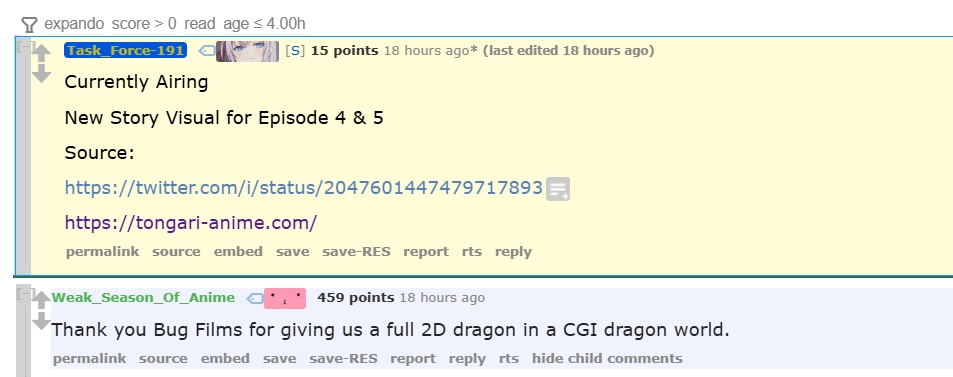
Pin OP comment inside a thread. This has priority over admin pin. It modify comment display into flex so with some site-specific CSS it has potential to break!
Final mod is to make sure up and down vote button always shows. Not really useful if you disable site-specific CSS but it's there.